Personal
Your own salary, spending, and savings goals. Private to you, always.
Karun is now, ugma is tomorrow. TIGOM keeps your own money, your business, and the money you share with family and friends in one calm place, so today’s small habits add up to tomorrow’s plans.
Free on iPhone and Android · See how it works
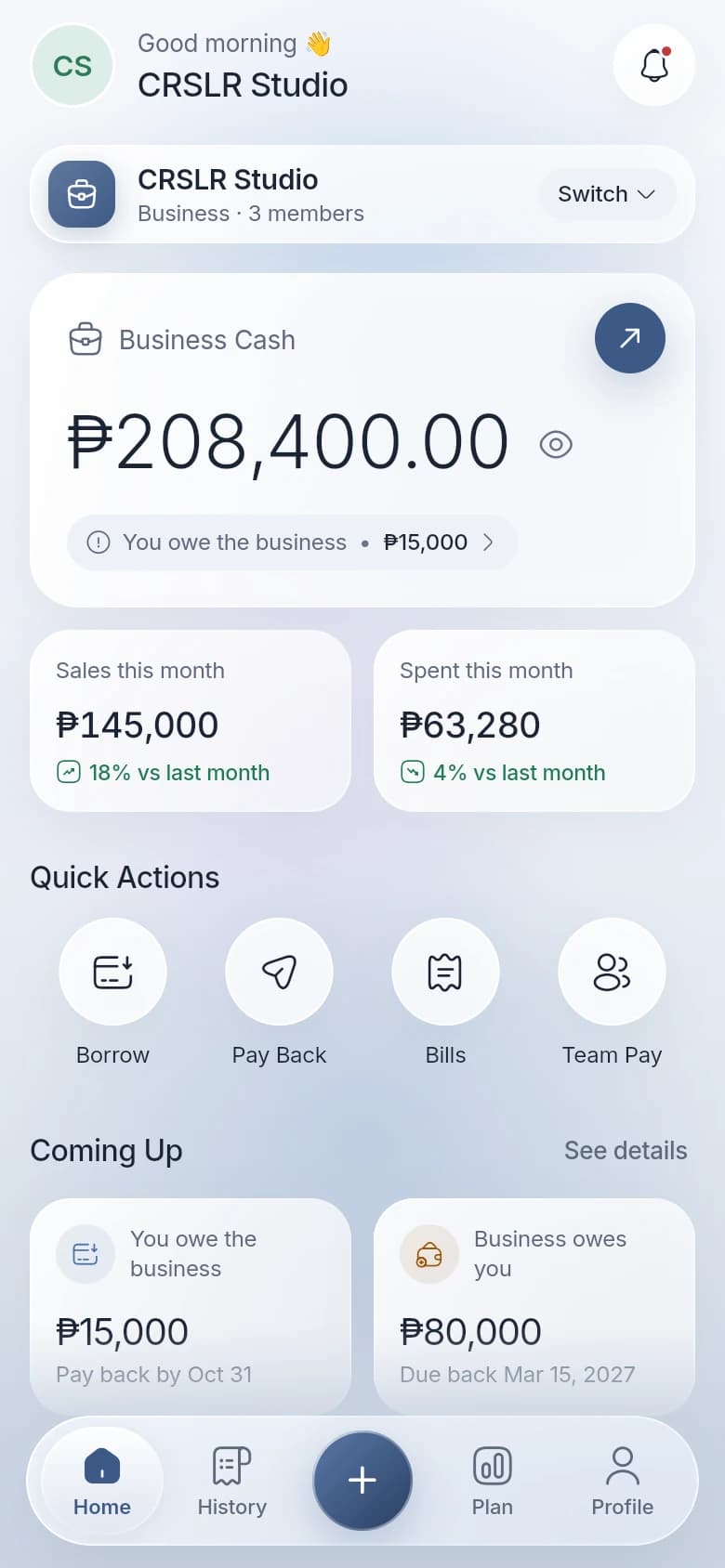
Most money apps assume one person and one wallet. Real life is your salary, the business, the family grocery fund, the barkada trip, and the office paluwagan. TIGOM gives each one its own space and lets the right people in.
Features
No accounting jargon. TIGOM talks about money in, money out, and who owes what, the way you already do.
Home
Switch between your own money and each group in one tap. Every space shows its balance, this month’s money in and out, and what’s due next.
Add entry
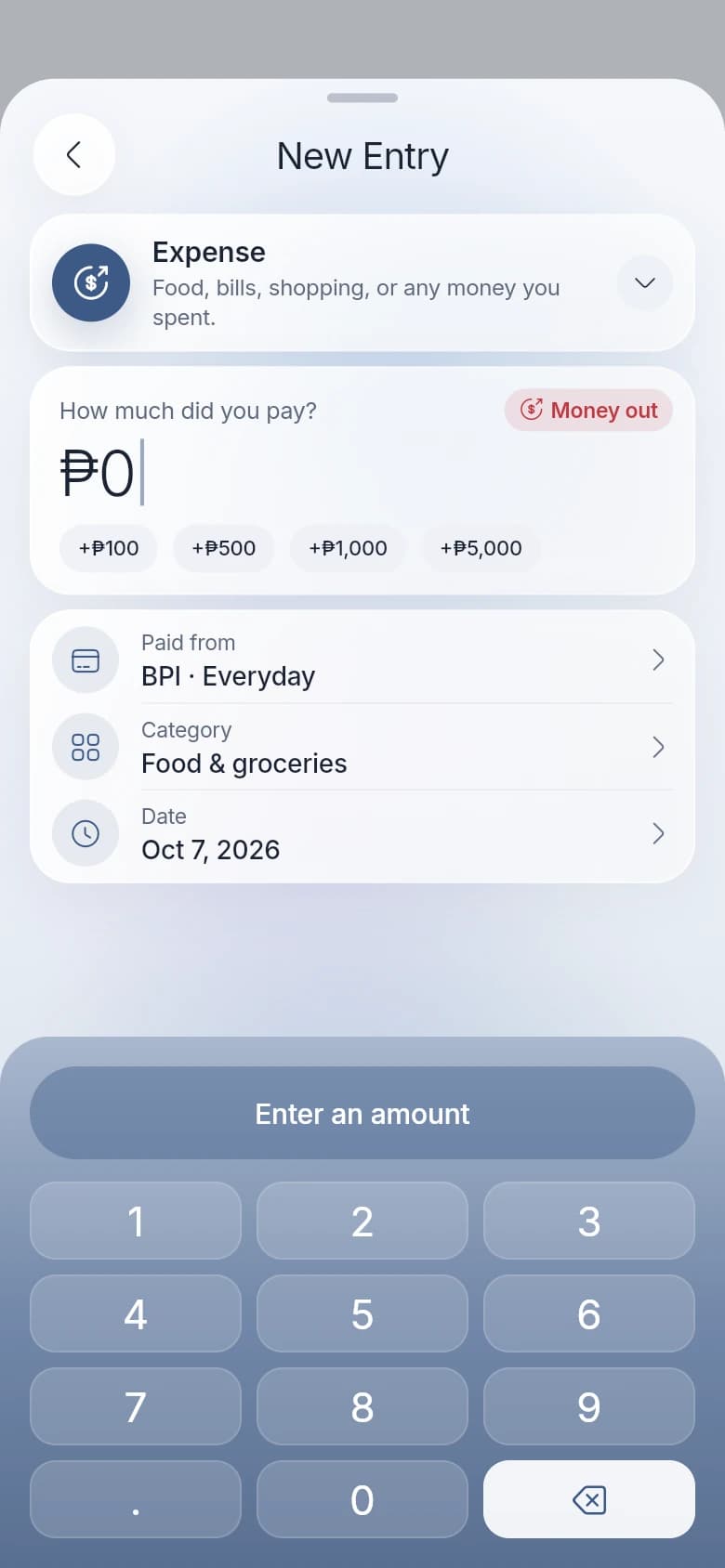
Pick what happened in plain words, tap the amount, done. Each type explains itself, so nothing ends up in the wrong place.
History
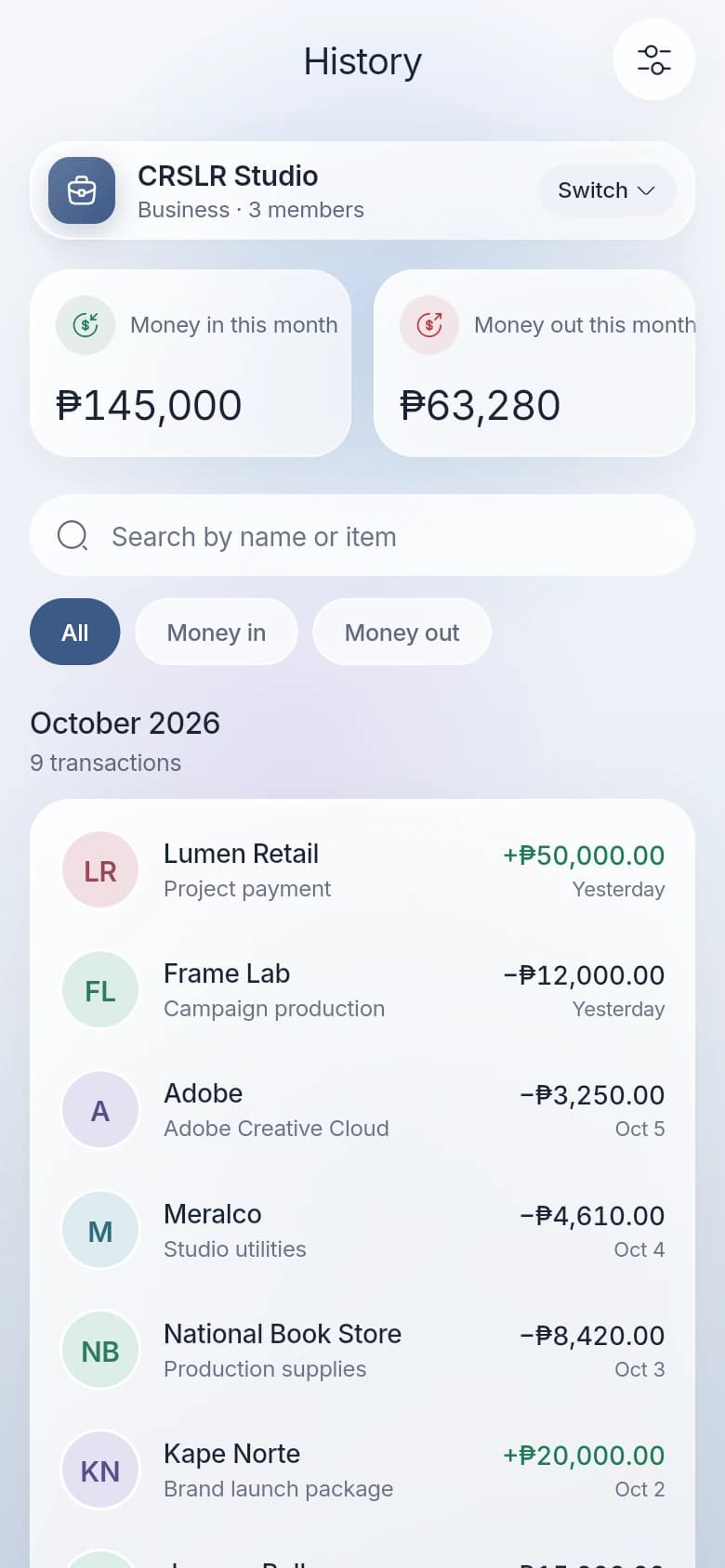
Entries are grouped by month, with who, what, and when on every line. Search a name or filter to money in or out.
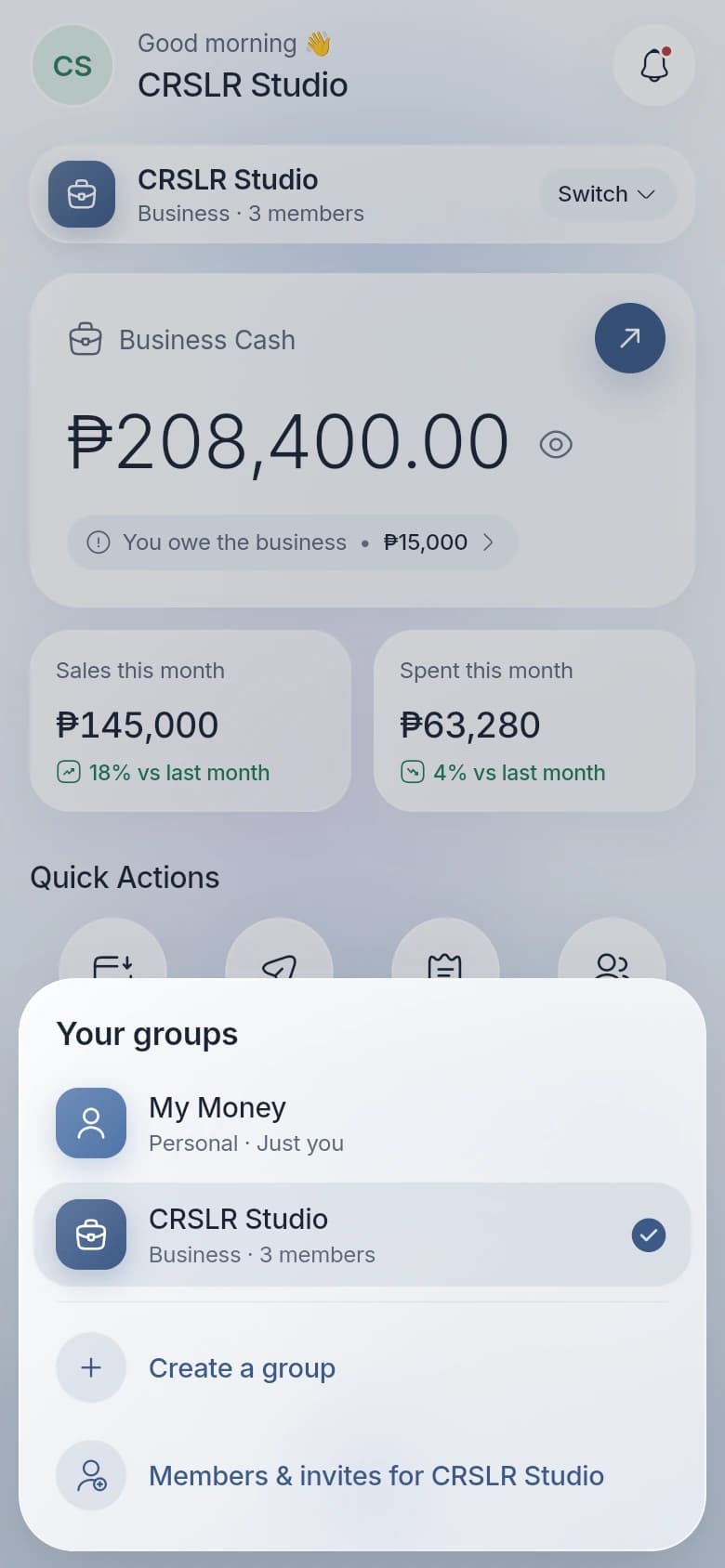
Groups
Switch between your own money and every group you’re part of. Each group keeps its own balance, entries, and people, so the family budget never mixes with the business.
Your own salary, spending, and savings goals. Private to you, always.
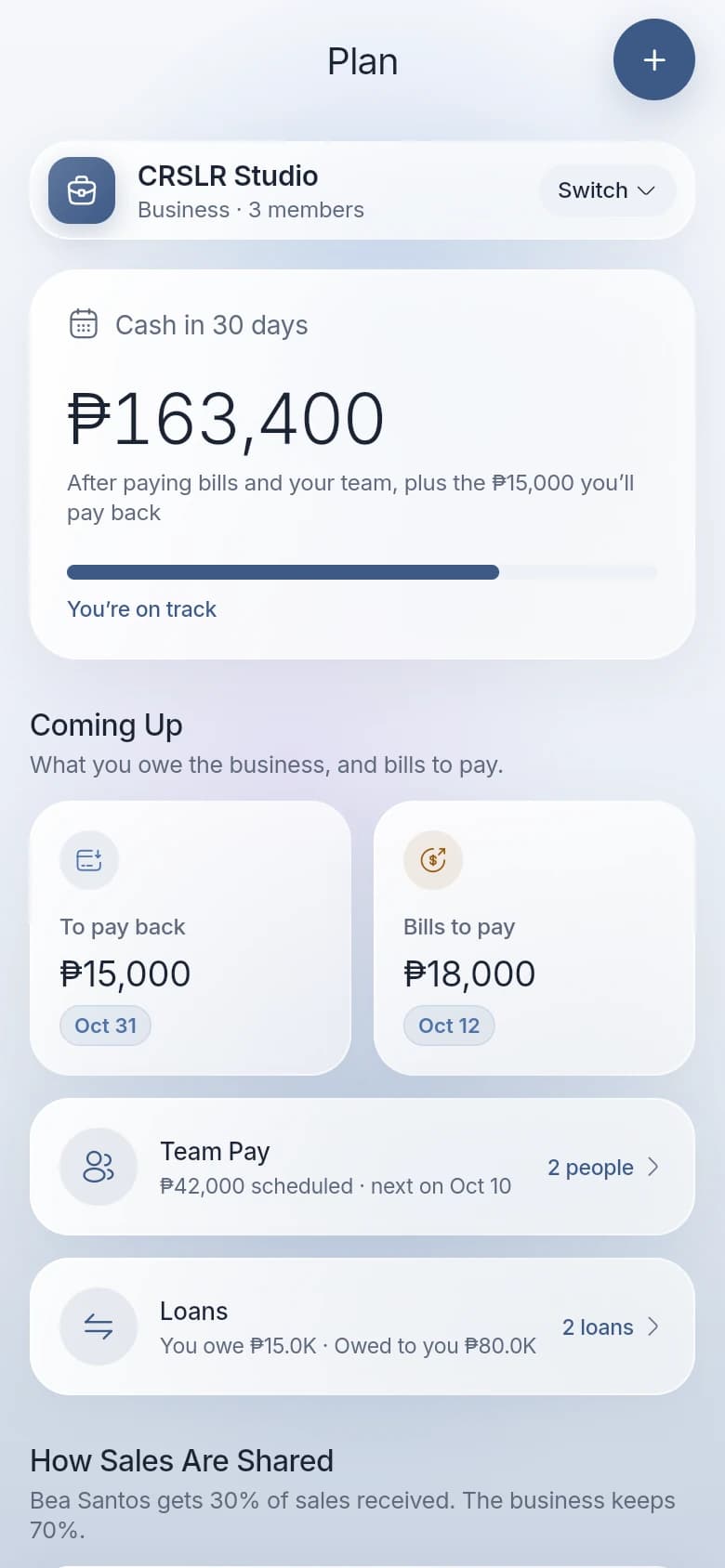
Sales, expenses, supplier bills, loans with the owner, and team pay.
A shared home budget for groceries, bills, rent, and savings.
Shared costs for trips and events, and who paid for what.
Everyone chips in each round, and one member takes the pot.
For business
Owners borrow from the business, lend to it, pay suppliers later, and share sales with the team. TIGOM tracks each one honestly, and shows the cash you’ll have in 30 days.
Members & invites
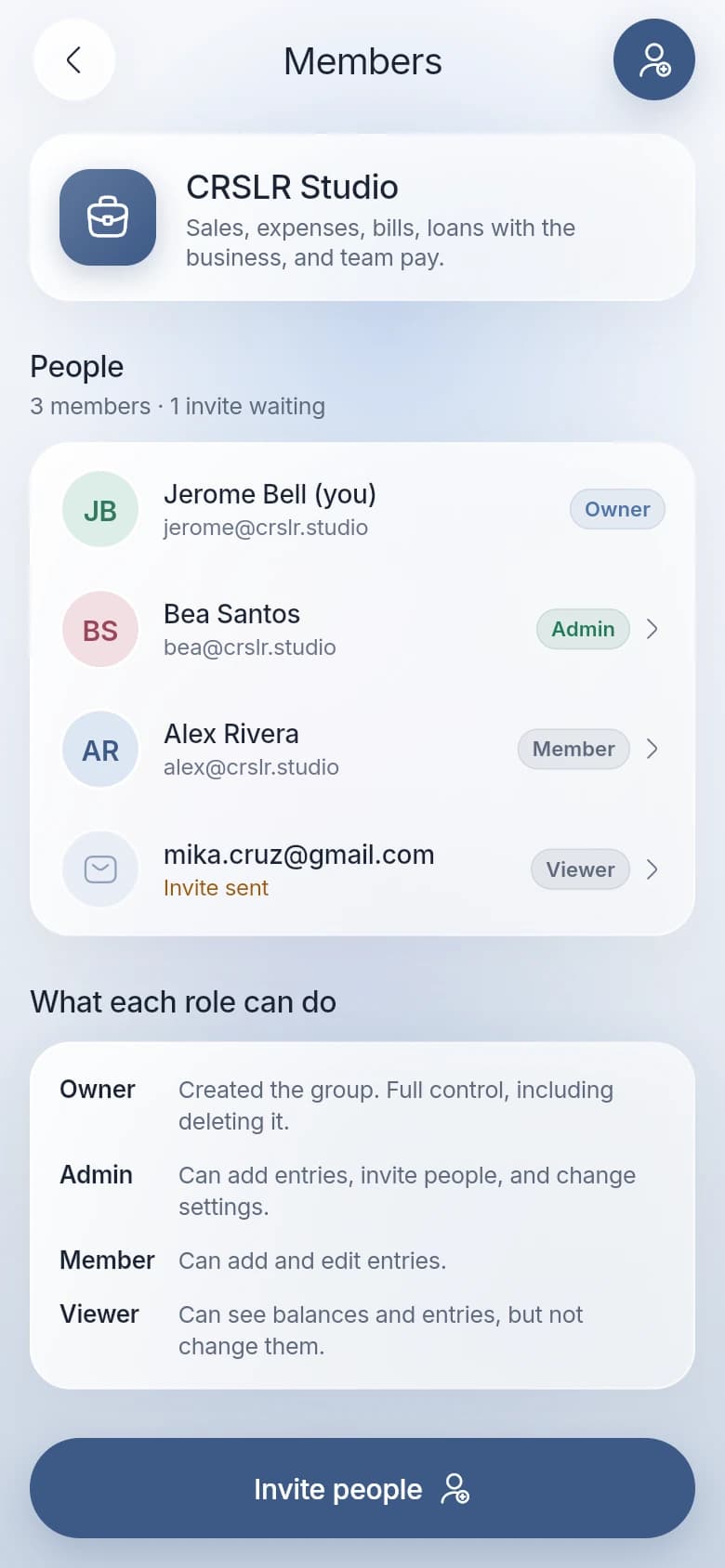
Invite by email and choose what each person can do. Change a role or remove someone any time. Your Personal space can’t be shared.
Privacy & security
We make an app, not an audience. Your records are never used for advertising.
Access is checked by the database on every request, by group and by role.
A 6-digit code sent to your email. Nothing to reuse, nothing to leak.
Delete your account in the app and your data goes with it.
Questions
iPhone and Android. Download TIGOM free from the App Store or Google Play, then sign in with your email.
Yes, it’s free today. If we ever add paid features, the price will be shown clearly before you’re charged.
No. You add entries yourself, in seconds, and we never ask for your bank or e-wallet login.
Your Personal space is visible only to you. In a shared group, only the people you invite can see it, and each person’s role decides whether they can change anything.
Any time, from Profile > Delete account in the app. You can also follow the steps on our account deletion page.
Download TIGOM free on iPhone and Android. Your Personal space is ready the moment you sign in.
Questions? Contact support